


Works with your favourite platforms


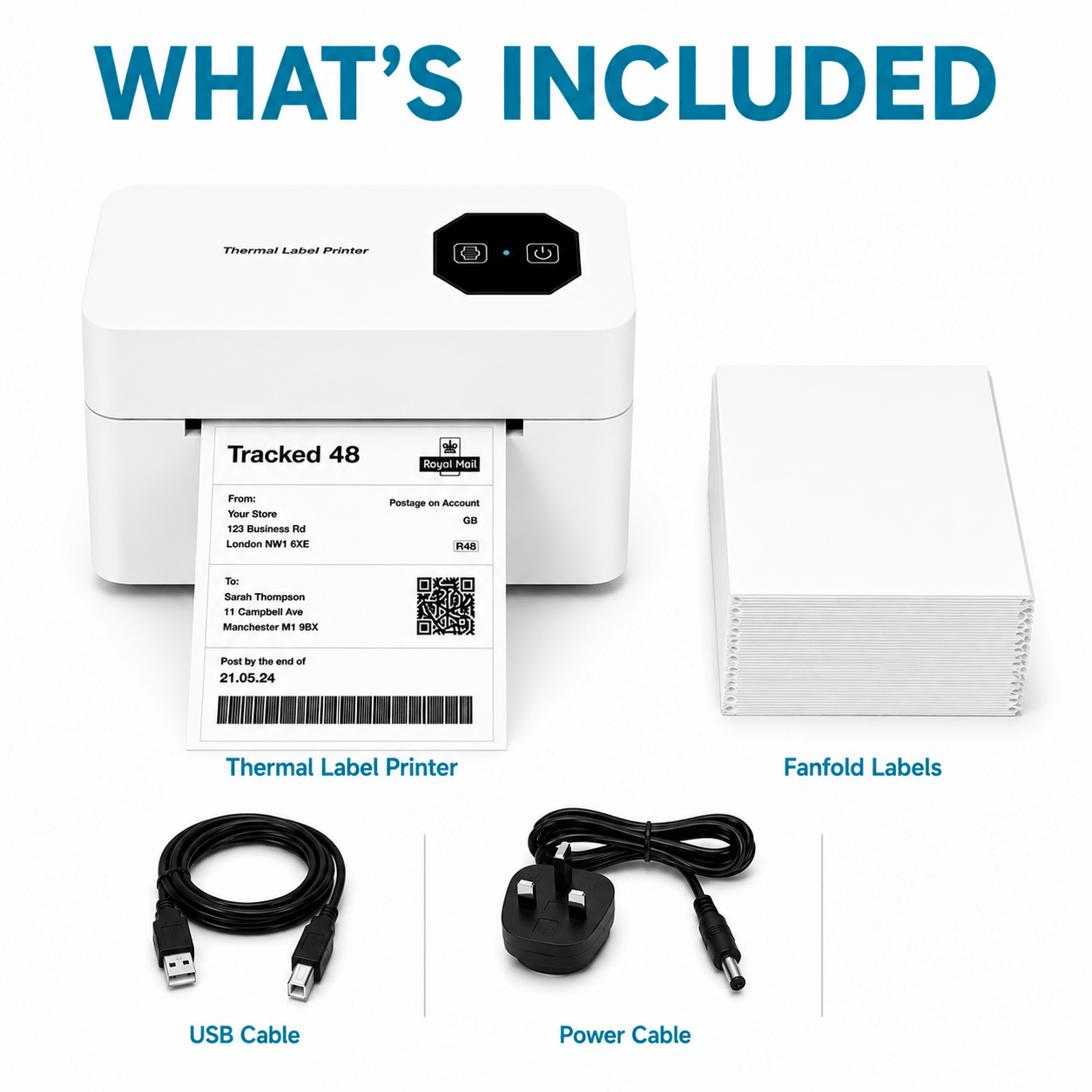
Everything You Need To Start Shipping


Explore More Shipping Solutions
-
Postl 4×6 Fanfold Thermal Shipping Labels – 500 to 4,000 Labels
Regular price From £9.99Regular priceUnit price per -
Postl Growth Kit – Bluetooth Thermal Label Printer + 1,500 Labels
Regular price £99.99Regular priceUnit price per£119.96Sale price £99.99Save [%] -
Postl Starter Kit – Bluetooth Thermal Label Printer + 500 Labels
Regular price £89.99Regular priceUnit price per


Why We Created Postl
We believe printing shipping labels should be simple.
That’s why we created Postl — a range of wireless thermal label printers designed specifically for online sellers. Print crisp, scannable labels in seconds without ink, toner or unnecessary setup.
From your first order to your thousandth, Postl helps you save time, reduce costs and ship with confidence.
Built for Online Sellers

Fast Wireless Printing
Print shipping labels in seconds from your desktop or laptop.
No Ink Ever
Thermal printing means no ink cartridges, toner or messy replacements.
No Tape Or Scissors
Self-adhesive labels peel and stick straight onto your parcels.
Works With Major Couriers
Print shipping labels for all major UK and international couriers.
Crisp, Scannable Labels
Produce clear shipping labels that scan first time.
Easy Setup
Setup takes just a few minutes with simple plug-and-play installation.
Fast Wireless Printing
Print shipping labels in seconds from your desktop or laptop.
No Ink Ever
Thermal printing means no ink cartridges, toner or messy replacements.
No Tape Or Scissors
Self-adhesive labels peel and stick straight onto your parcels.

Works With Major Couriers
Print shipping labels for all major UK and international couriers.
Crisp, Scannable Labels
Produce clear shipping labels that scan first time.
Easy Setup
Setup takes just a few minutes with simple plug-and-play installation.
Why Switch To Postl?
Built specifically for shipping labels, not general printing.
No ink or toner required
Prints 4” × 6” shipping labels
No tape or scissors needed
Built for online sellers
Low running costs

Standard Printer
Trusted By UK Online Sellers
Compatible With Major UK Couriers


Save 10% On Your First Order
Frequently Asked Questions
Everything you need to know about printing shipping labels with Postl.
Do I need ink or toner?
No. Postl uses thermal printing technology, so there are no ink cartridges, toner replacements or expensive consumables to buy.
Which couriers does Postl work with?
Postl works with Royal Mail, Evri, DPD, DHL, UPS, FedEx and most major courier platforms that support 4” × 6” shipping labels.
Can I print directly from eBay, Etsy, Amazon and Shopify?
Yes. Simply download your shipping label from your selling platform and print it wirelessly through Postl.
Do I need tape for shipping labels?
No. Postl labels are self-adhesive, so you simply peel and stick them directly onto your parcels.
How easy is setup?
Setup takes just a few minutes. Connect the printer, install the driver if required and start printing labels straight away.
What label size does Postl use?
Postl is designed for standard 4” × 6” shipping labels, the most commonly used size for ecommerce shipping.

Postl Supply Club
Never run out of labels again.
Join the waitlist for the Postl Supply Club and get early access to label subscriptions, exclusive discounts and members-only offers.